Redemptions
List of the rewards members have redeemed. Menu: Rewards › Redemptions.
Availability
Rewards permission (cancelling requires Editing Reward) · Edition: all
List
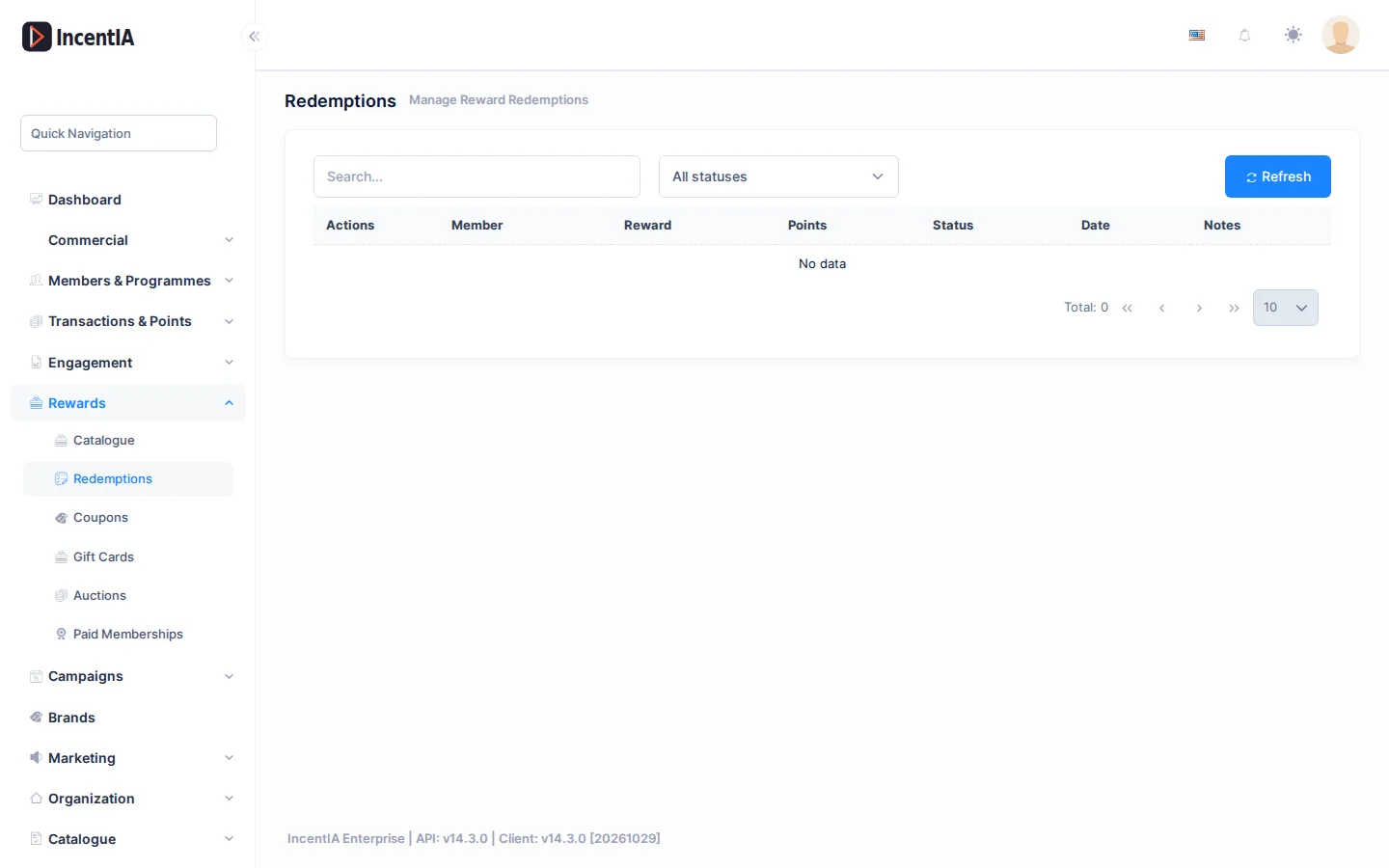
You can search with Search... and filter by status with the dropdown (All statuses, Pending, Confirmed, Shipped, Delivered, Cancelled).
| Column | What it is | Notes |
|---|---|---|
| Member | Member who redeemed | |
| Reward | Reward redeemed | |
| Points | Points spent | |
| Status | Redemption status | See below |
| Date | Redemption date | |
| Notes | Redemption notes | For cancelled ones, shows the reason |
Cancel a redemption
- On the redemption's row, click the cancel button (Cancel redemption). It doesn't appear if it is already cancelled.
- In the Cancel Redemption dialog, type a reason (optional).
- Confirm. The points go back to the member and the reward recovers its stock.
warning
Cancelling is final and affects the member's balance. A cancelled redemption can't be reopened.
After cancelling, the screen shows Redemption cancelled successfully.
Statuses and limits
A redemption goes through Pending, Confirmed, Shipped and Delivered, or ends as Cancelled. This screen only lets you cancel; it doesn't change the other statuses by hand.
Permissions
| Action | Permission (UI text) | Technical id |
|---|---|---|
| View redemptions | Rewards | Pages.Loyalty.Rewards |
| Cancel a redemption | Editing Reward | Pages.Loyalty.Rewards.Edit |