Channels
A channel is an outbound route to your members and participants: WhatsApp, Telegram, SMS, email, push, in-app messages or web chat. Menu: Marketing › Channels › Channels.
Channels permission (create, edit and delete have their own permissions) · Edition: all. WhatsApp channels require the WhatsApp Channel feature (Growth and Enterprise) and web chat channels require the web chat feature (Enterprise).
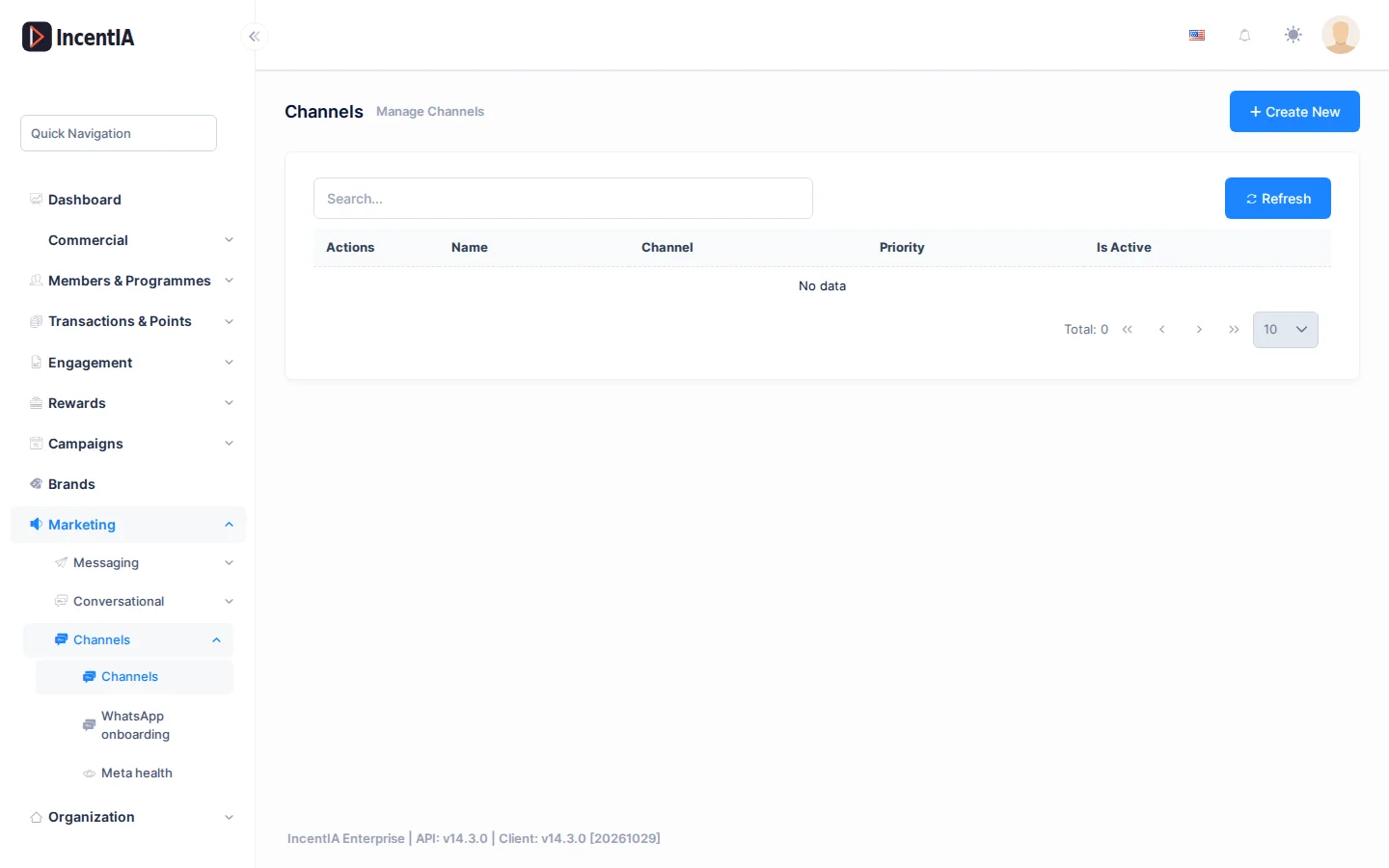
List
Search with Search... and click Refresh to reload. Click Create New to add a channel.
| Column | What it is | Notes |
|---|---|---|
| Name | Internal name of the channel | May carry the Default or Paused tag |
| Channel | Type: Email, WhatsApp, Telegram, SMS, Push or InApp | Cannot be changed after creation |
| Priority | Order among channels of the same type | |
| Active | Whether the channel is in use |
Under Actions you have Edit, Delete and QR / Link. Set as default marks the channel used when no other rule picks one; it only appears on active channels that are not already the default.
Create / edit
Creating or editing a channel opens a form with these fields.
| Field | What it is | Notes |
|---|---|---|
| Name | Channel name | Required |
| Channel | Channel type | Locked when editing |
| Priority | Priority number | |
| Active | Turns the channel on or off | |
| WhatsApp connection | Connection status and the Connect WhatsApp button | WhatsApp only; see WhatsApp |
| WhatsApp business phone | Number in E.164 format for the direct link and the QR | Empty = the connected number is used |
| Pause & webchat fallback | Pauses the channel; see below | WhatsApp only |
| Loyalty Program | Programme associated with the channel | |
| Fallback flow | Flow the QR leads to if the channel is unavailable | |
| Hub flow | Flow for people who write without matching any campaign keyword | Empty = hub disabled |
| Create hub flow | Creates a hub flow and assigns it | |
| Configuration (JSON) | Free-form provider settings | For types other than WhatsApp and Telegram |
Telegram asks for a Bot Token and a Webhook Secret; you get the token by creating a bot with @BotFather. Members link their account by sending /start followed by their code to the bot.
The Deep Link / QR card (Base URL, Default message) builds the channel's direct link. These texts are not translated in the interface.
Pausing a WhatsApp channel
Pause a channel when you want to stop serving over WhatsApp without waiting for Meta to flag it.
- Edit the channel and, under Pause & webchat fallback, turn on Pause channel (force webchat fallback).
- Optional: enter the Fallback webchat URL. If empty, the default webchat is used. It accepts
{campaignId},{tenantId}and{token}. - Optional: write the Automatic reply while paused. If empty, "¡Pronto contigo! Ahora mismo no podemos atenderte por aquí." is sent.
- Save.

While the channel is paused:
- The channel's links and QR codes lead to the webchat instead of WhatsApp.
- Incoming messages do not run flows: they are stored for traceability.
- Anyone who writes receives the automatic reply once every 12 hours.
While the channel is paused, nobody advances through flows or submits evidence through that number. Re-enable it as soon as you resolve the incident.
You can also pause the WhatsApp destination for your whole tenant from Meta health.
How the platform chooses a channel
When a message does not set a channel, the platform picks the best one for each member among those they have accepted and you have active. It walks an order depending on the message type and uses the first one available; if the member has a preferred channel within that order, it wins.
| Message type | Order |
|---|---|
| Transactional (confirmations, expiring points, level up, prizes) | SMS → Push → WhatsApp → Email |
| Promotions (campaigns, reward available, game invitation) | Push → WhatsApp → Email → Telegram |
| Streak reminder | Push → InApp → WhatsApp |
| Welcome | Email → WhatsApp → SMS |
| Everything else | Push → Email → SMS → WhatsApp |
The order cannot be edited from the interface. Each member manages their own preferences from their portal.
Statuses and limits
- An inactive channel receives no sends.
- Marketing messages only reach members who have accepted them.
- Push requires HTTPS and the member must have subscribed from their portal.
- WhatsApp and web chat channels depend on your edition; if it does not include them, saving fails with a notice.
Permissions
| Action | Permission (UI text) | Technical id |
|---|---|---|
| View channels | Channels | Pages.Communications.Channels |
| Create | Creating Channel | Pages.Communications.Channels.Create |
| Edit and set as default | Editing Channel | Pages.Communications.Channels.Edit |
| Delete | Deleting Channel | Pages.Communications.Channels.Delete |
Related
- Concept: Communications
- Guide: Set up channels and templates
- WhatsApp · Templates · Messages and errors · Web chat