eCommerce connectors
A connector links your shop to a points programme. Every paid order adds points to the member who placed it. Menu: Integrations › Connectors.
Integrations permission (view) · Creating Integration, Editing Integration, Deleting Integration (actions)
To follow the process step by step with Shopify, read Connect Shopify. The technical side (signature, notification format) is in the developer documentation.
List
The screen is titled Integrations. At the top there is a search box (Search...) and Refresh. Create New opens the form.
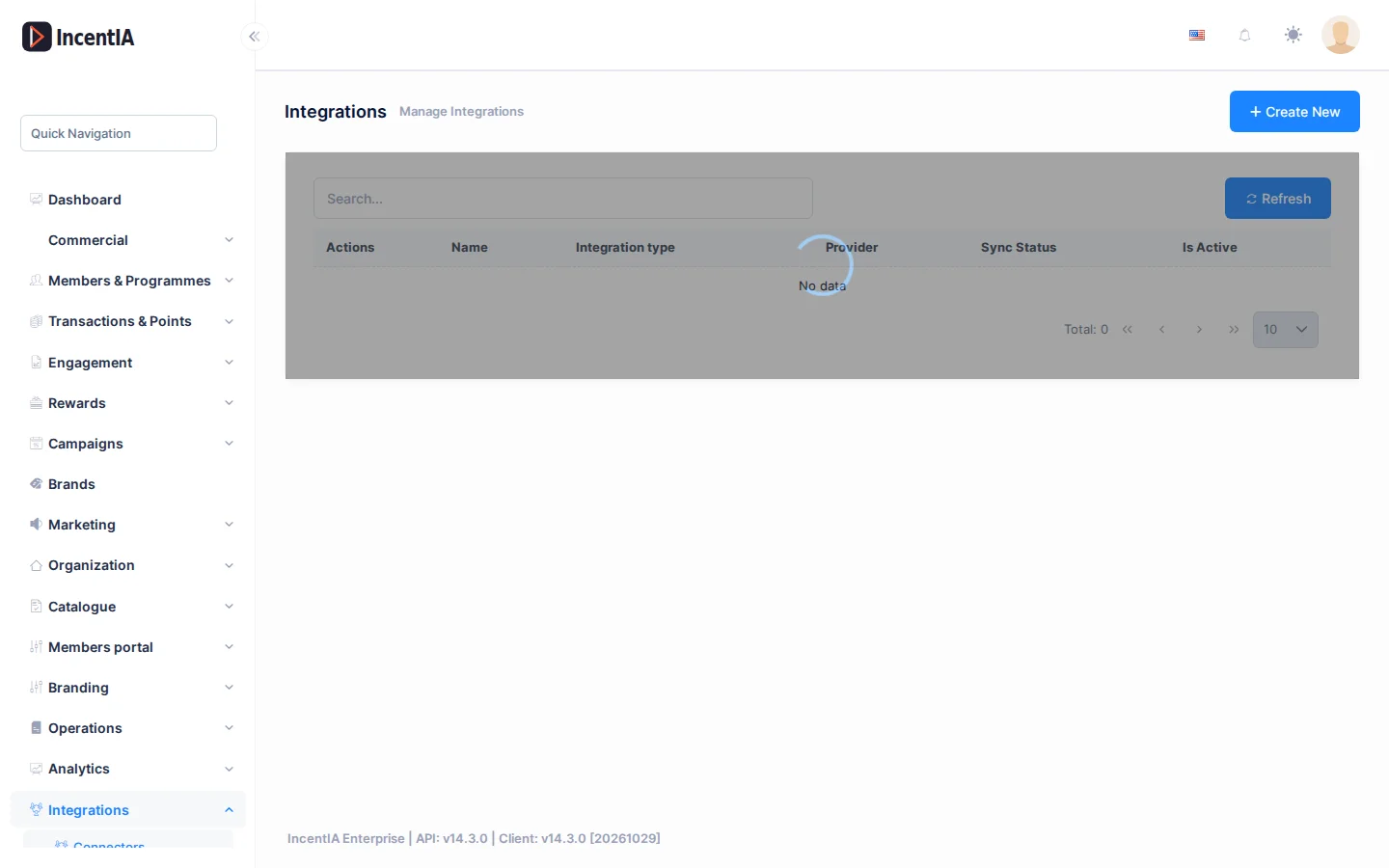
| Column | What it is | Notes |
|---|---|---|
| Name | The name you give it | |
| Integration type | Category | ECommerce, CRM, POS, Analytics or Cashback |
| Provider | Which system it connects to | Shopify, WooCommerce, PrestaShop, Salesforce, HubSpot, Custom, Valassis or 360dialog (Partner) |
| Sync Status | Result of the last sync | Success or Failed. Before the first sync you will see untranslated text (NeverSynced) |
| Is Active | Whether the connector receives orders | Green tick or red cross |
With Actions you can Edit or Delete each connector.
Create a connector
Click Create New and fill in the form:
| Field | What to enter |
|---|---|
| Name (required) | A name you will recognise, for example "Online shop" |
| Integration type | ECommerce for Shopify and WooCommerce |
| Provider | Shopify or WooCommerce |
| API key | Your shop's key, if the provider asks for one |
| API secret | The secret your shop uses to sign notifications. IncentIA uses it to check that the order comes from your shop |
| Webhook URL | Informational field from your shop |
| Config (JSON) | Advanced settings. Leave it empty unless support asks you to fill it in |
| Loyalty Program | The programme that receives the points |
| Is Active | Tick the box to start receiving orders |
Without a Loyalty Program, orders are skipped and award no points. Without an API secret, IncentIA rejects all notifications from your shop.
When editing, the stored secret is not shown. If you leave it unchanged, it is kept.
The Valassis and 360dialog (Partner) providers show their own form. They are configured with support.
What happens with each order
IncentIA only processes orders from Active connectors. The process is the same for Shopify and WooCommerce:
- Your shop reports a paid order.
- IncentIA looks for an active member of the programme with the same email as the buyer. If it does not find one, it searches by phone number.
- It calculates the points using the programme's rules and adds them to the member.
If there is no member, the order is skipped. It is not stored to be assigned later. Ask your customers to use the same email in the shop and in the programme.
| Event in the shop | What IncentIA does |
|---|---|
| Order paid (Shopify) or completed (WooCommerce) | Adds points |
| Order cancelled, failed or deleted | Takes back the points that order gave |
| Full or partial refund | Takes back points in proportion to the amount refunded |
| Repeated notification for an order already processed | Ignores it, without duplicating points |
Monitoring and errors
Every notification is logged in Administration › Incoming Webhooks. Filter by Source (Shopify, WooCommerce) and by Status. See Incoming webhooks log.
Permissions
| Action | Permission (UI text) | Technical id |
|---|---|---|
| View the list | Integrations | Pages.Loyalty.Integrations |
| Create | Creating Integration | Pages.Loyalty.Integrations.Create |
| Edit | Editing Integration | Pages.Loyalty.Integrations.Edit |
| Delete | Deleting Integration | Pages.Loyalty.Integrations.Delete |