Tiers
Tiers reward your best members with benefits, such as a points multiplier. Menu: Members & Programmes › Tiers.
Tiers permission · All editions except Free ("Tiers" feature). Managed only from a client account, not from the host.
How it works
Each tier has a numeric Level (its position on the ladder), an entry threshold and a Points Multiplier. A member moves up a tier when their activity reaches the threshold. The multiplier of their tier applies to the points they earn afterwards.
Activity is measured over a rolling 12-month window, according to the tier's Criteria Type:
| Criteria Type | What counts |
|---|---|
PointsAccumulated | Points earned in the last 12 months, excluding refunded ones. |
TotalSpent | Amount spent on purchases in the last 12 months. |
TransactionCount | Number of purchases in the last 12 months. |
To enter a tier, the thresholds of the lower tiers must also be met. If the member reaches none, they get the tier marked as default.
Upgrades are checked every time the member earns points. Downgrades are reviewed by a periodic process using the Maintenance Points threshold and a grace period. A tier with assigned members cannot be deleted.
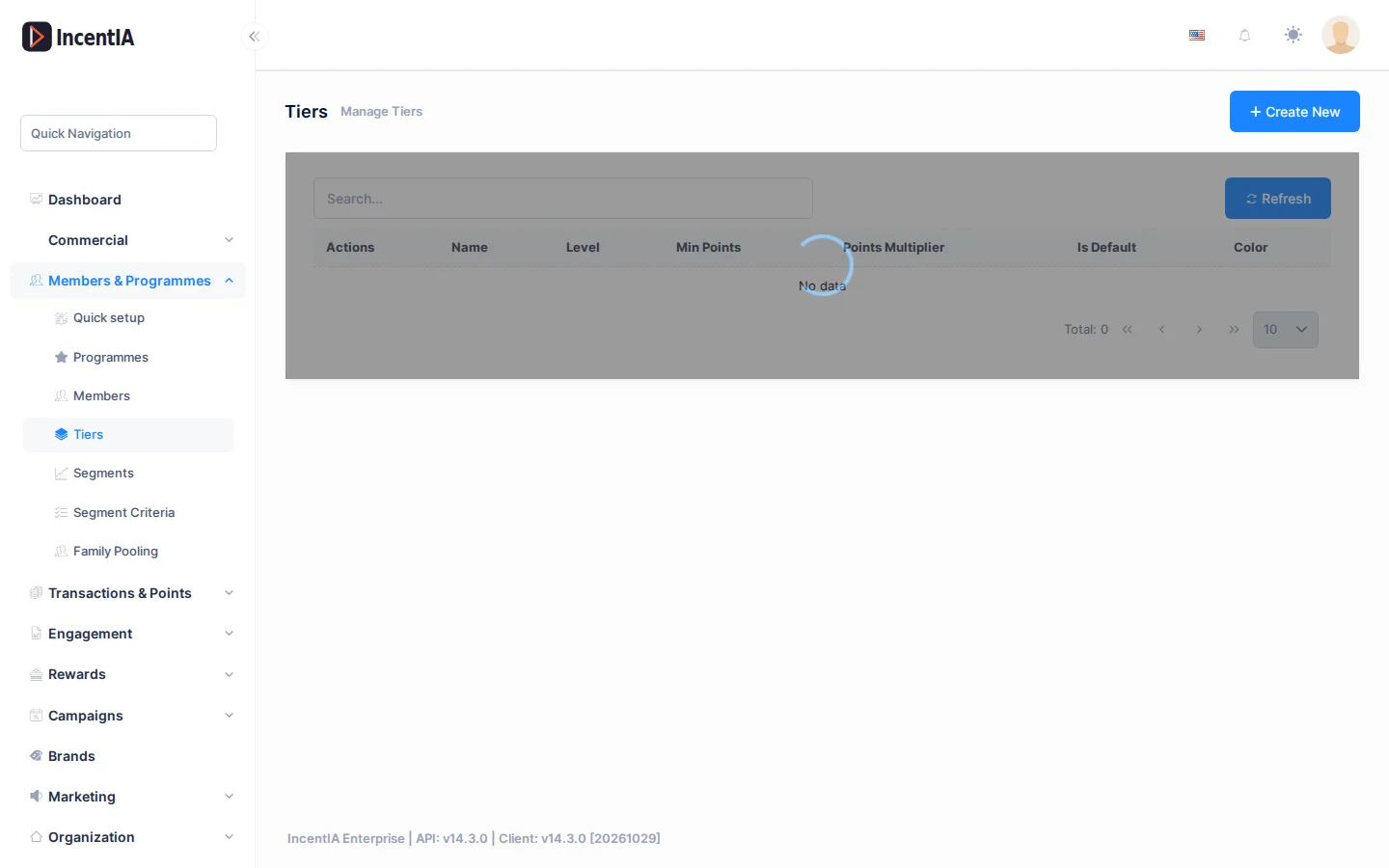
List
| Column | What it is |
|---|---|
| Name | Display name of the tier. |
| Level | Position on the ladder. |
| Min Points | Threshold to enter. |
| Points Multiplier | Factor applied to earned points. |
| Is Default | Initial tier of members. |
| Color | Colour swatch. |
The Actions menu on each row offers Edit and Delete.
Create / edit
Click Create New.
| Field | What it is | Notes |
|---|---|---|
| Name | Name of the tier. | For example "Gold". |
| Description | Summary of the benefits. | |
| Level | Order: a higher number is a higher tier. | |
| Criteria Type | PointsAccumulated, TotalSpent or TransactionCount. | Defines what Min Points measures. |
| Min Points | Threshold to reach the tier. | |
| Maintenance Points | Threshold to keep the tier. | Optional. Cannot exceed Min Points. |
| Points Multiplier | Factor on earned points. | For example 1.5. |
| Color | Identifying colour. | Up to 20 characters. |
| Icon URL | Image of the tier. | |
| Loyalty Programme | Programme it belongs to. | |
| Is Default | Tier that new members receive. |
States and limits
- The tier's multiplier is combined with those of campaigns and subscriptions: they multiply each other.
- The 12-month window is a programme setting that is not changed on this screen.
- When you try to delete a tier that is in use, IncentIA says that there are assigned members or an active grace period.
Permissions
| Action | Permission (UI text) | Technical id |
|---|---|---|
| View the screen | Tiers | Pages.Loyalty.Tiers |
| Create | Creating Tier | Pages.Loyalty.Tiers.Create |
| Edit | Editing Tier | Pages.Loyalty.Tiers.Edit |
| Delete | Deleting Tier | Pages.Loyalty.Tiers.Delete |