Communication messages and errors
Two screens to audit what you sent and received, and to diagnose failures. Menu: Marketing › Messaging › Messages and Marketing › Messaging › Communication Errors.
Outbound messages permission (gives access to both screens) · Edition: all
Messages
Outbound messages screen. Switch between Outgoing and Incoming with the selector at the top; Refresh reloads the list.
Outgoing — what the platform sent. Search with Search....
| Column | What it is | Notes |
|---|---|---|
| Member Name | Recipient member | |
| Channel | Channel used | |
| Subject | Message subject | |
| Delivery Status | Delivery progress | See below |
| Sent At | Date and time |
Incoming — what members and participants write. Filter by All campaigns, All flows and All participants (the last one requires choosing a campaign first).
| Column | What it is | Notes |
|---|---|---|
| Sender | Who is writing | |
| Channel | Inbound channel | |
| Content | Text, or a reference to the photo or document | |
| Status | Received, Processing, Processed, Failed or Ignored | |
| Campaign, Flow, Participant | What it was associated with | |
| Creation time | Date received |
Delivery statuses
A message goes through Pending, Queued, Sending, Sent, Delivered, Opened or Clicked. The negative end states are Failed, Bounced and Dropped. Scheduled is a scheduled send and Simulated a test with no real delivery. These statuses appear untranslated.
Communication errors
Communication Errors screen: provider send failures and rejected incoming webhooks.
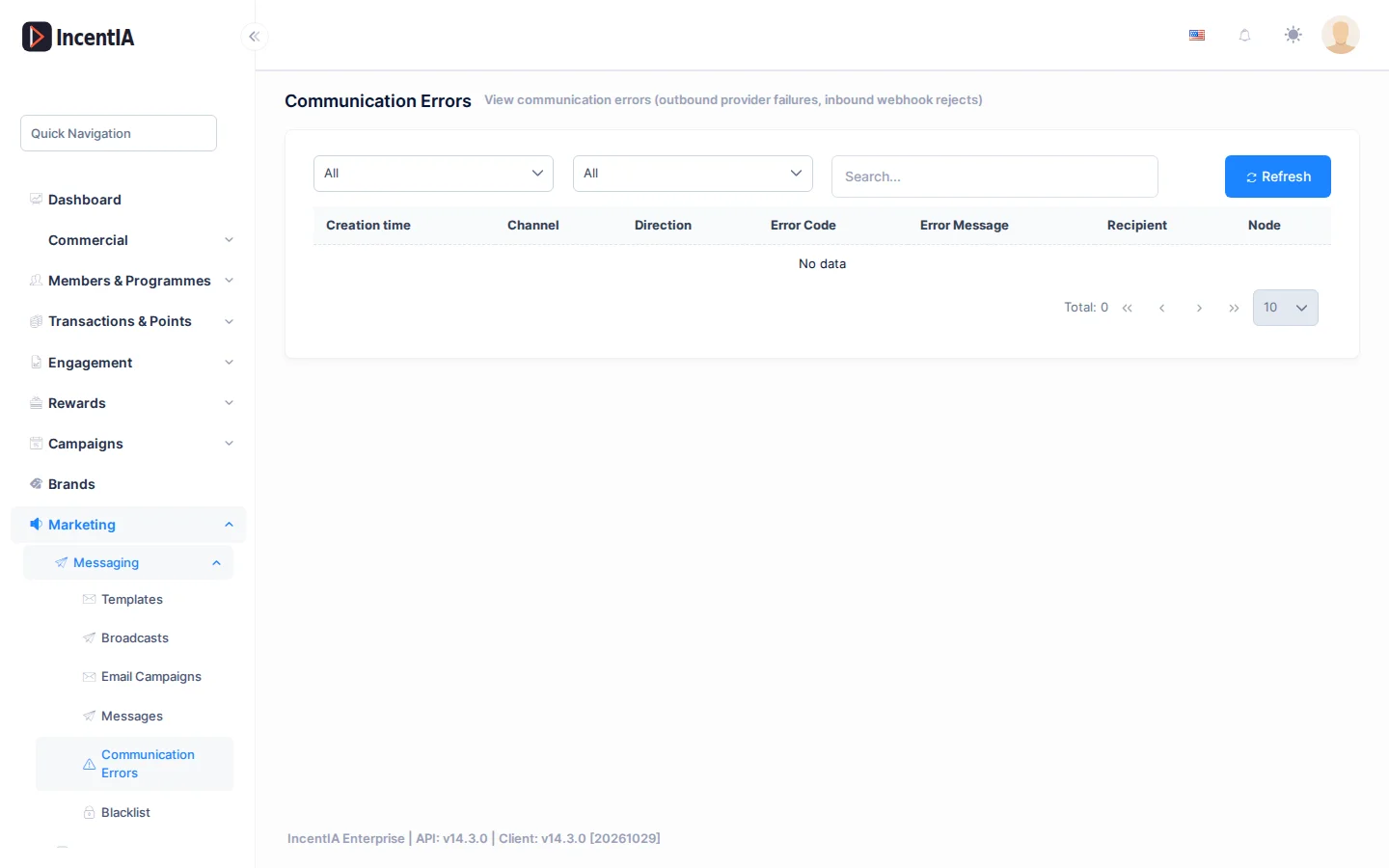
Filter by Channel (WhatsApp, Email, SMS, Telegram) and Direction (Outgoing or Incoming), search with Search... and refresh with Refresh.
| Column | What it is | Notes |
|---|---|---|
| Creation time | Date of the error | |
| Channel | Affected channel | |
| Direction | Outgoing or incoming | |
| Error Code | Code returned by the provider | |
| Error Message | Description | |
| Recipient | Who it was for | |
| Node | Flow node that generated it | If applicable |
What to do about an error
| Symptom | Likely cause | What to do |
|---|---|---|
| Many WhatsApp errors at once | Restricted account or disabled template | See Meta health |
| Error for a single recipient | Blocked number or no WhatsApp | Do not retry; check the member's contact details |
| Incoming message with no campaign or flow | Message that matches no keyword | Set the Hub flow in Channels |
Permissions
| Action | Permission (UI text) | Technical id |
|---|---|---|
| View messages and errors | Outbound messages | Pages.Communications.Messages |
Related
- Concept: Communications
- Guide: Set up channels and templates
- Channels · Templates · WhatsApp