Conversations
Here you see every conversation your flows hold with members and participants, which step they are on and what has been said. Menu: Marketing › Conversational › Conversations.
Conversation Flows permission · Edition: all those that include Communications.
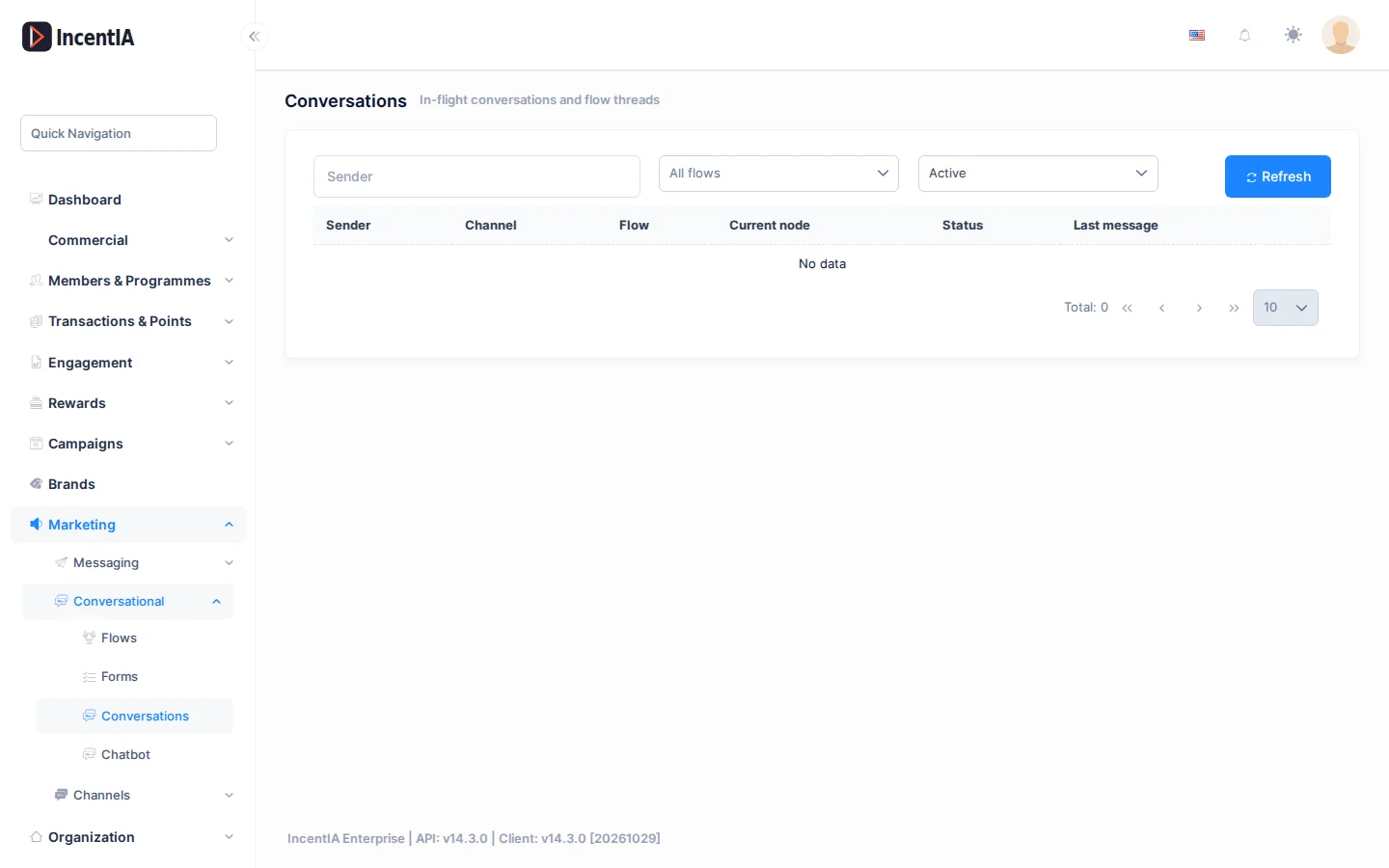
List
Type in Sender to search by phone or identifier. Filter by flow (All flows) and by status (All statuses). Click Refresh to reload.
| Column | What it is | Notes |
|---|---|---|
| Sender | Phone or identifier of the person writing | In web chat it is a session code |
| Channel | WhatsApp, Telegram, SMS, InApp, WebChat… | |
| Flow | Flow it is running | |
| Current node | Flow step it is on | Useful to see where it gets stuck |
| Status | Active, Waiting for agent, Resolved or Closed | |
| Last message | Date and time of the last message |
Read a conversation
Click View conversation to open the message transcript. You can also open it from a campaign participant's record.
Restart a conversation
Click Restart on a conversation and confirm. The next message from that sender starts the flow from the beginning.
Restarting closes the current conversation: the contact repeats the flow steps from the beginning. The button is disabled on Closed conversations.
Restart when a contact is left without a reply because of a badly connected branch, or when you want them to repeat a test. Then fix the flow in Flows.
Statuses and limits
- Test conversations from the flow editor do not appear here.
- Each phone has a single active conversation on WhatsApp.
- It is only shown from a brand account, not from the platform account.
Permissions
| Action | Permission (UI text) | Technical id |
|---|---|---|
| View, read and restart | Conversation Flows | Pages.Communications.Flows |